Typora 导出设置以及让 Typora 更 R Markdown 友好
真的是天天研究排版。
目录
作为
echo "${currentPath}"|clip %CopyPath%之前花了几天把
导出官方文档:Export - Typora Support
主题设置官方文档:Write Custom Theme for Typora
以LaTeX 主题导出PDF
虽然平时不需要
由于平时预览都用的别个主题,就在导出项里加了个以此主题导出。
Preference > Export > + (new) > PDF (Typora/Webkit)
导出
@media print {
    html {
        font-size: 12px;
    }

    /*avoid break when print*/
    img,
    .mathjax-block,
    table {
        page-break-inside: avoid;
    }
}直接在博客园中发布
又是一个好东西:
详细操作:上传
Preference > Export > + (new) > Custom > Add
python Your\Path\To\pycnblog-master\upload.py "${currentPath}"一键发布,但是是标签分类之类的要自己再去添加。
Push 到Github 和Gitee
一样添加新的自定义导出方式,
git add "${currentPath}" && git commit -m"saved new edits" && git push github main && git push gitee mainR Markdown 编译
平时写
添加新的自定义导出方式,Rscript.exe运行编译命令。
Your\Path\To\R\R-4.1.2\bin\Rscript.exe -e "rmarkdown::render('${currentFileFullName}')"R Markdown 代码块选项相关
/*Code-Block-Styles*/
.md-fences {
font-family: var(--code-font-family);
background-color: var(--code-block-bg-color);
cursor: default;
color: var(--text-color);
margin: 1rem;
padding: 1rem !important;
border-radius: 5px;
}

.md-fences:hover::after,
.md-fences:hover::before {
position: absolute;
top: 10px;
right: 10px;
border-radius: 5px;
max-width: 10rem;
line-height: 2;
overflow: hidden;
text-overflow: ellipsis;
white-space:nowrap;
z-index: 5;
}

.md-fences:hover::after {
content: attr(lang);
color: var(--text-color);
font-size: .9rem;
background-color: var(--lang-bg-color);
padding: 0 .5rem;
font-weight: 400;
}

#write .code-tooltip {
bottom: initial;
top: 100%;
left: initial;
right: -1px;
background: var(--code-block-bg-color);
border: 1px solid var(--border-color);
border-radius: 5px;
z-index: 42;
font-family: var(--code-font-family);
box-shadow: none!important;
/* word-break: break-all; */
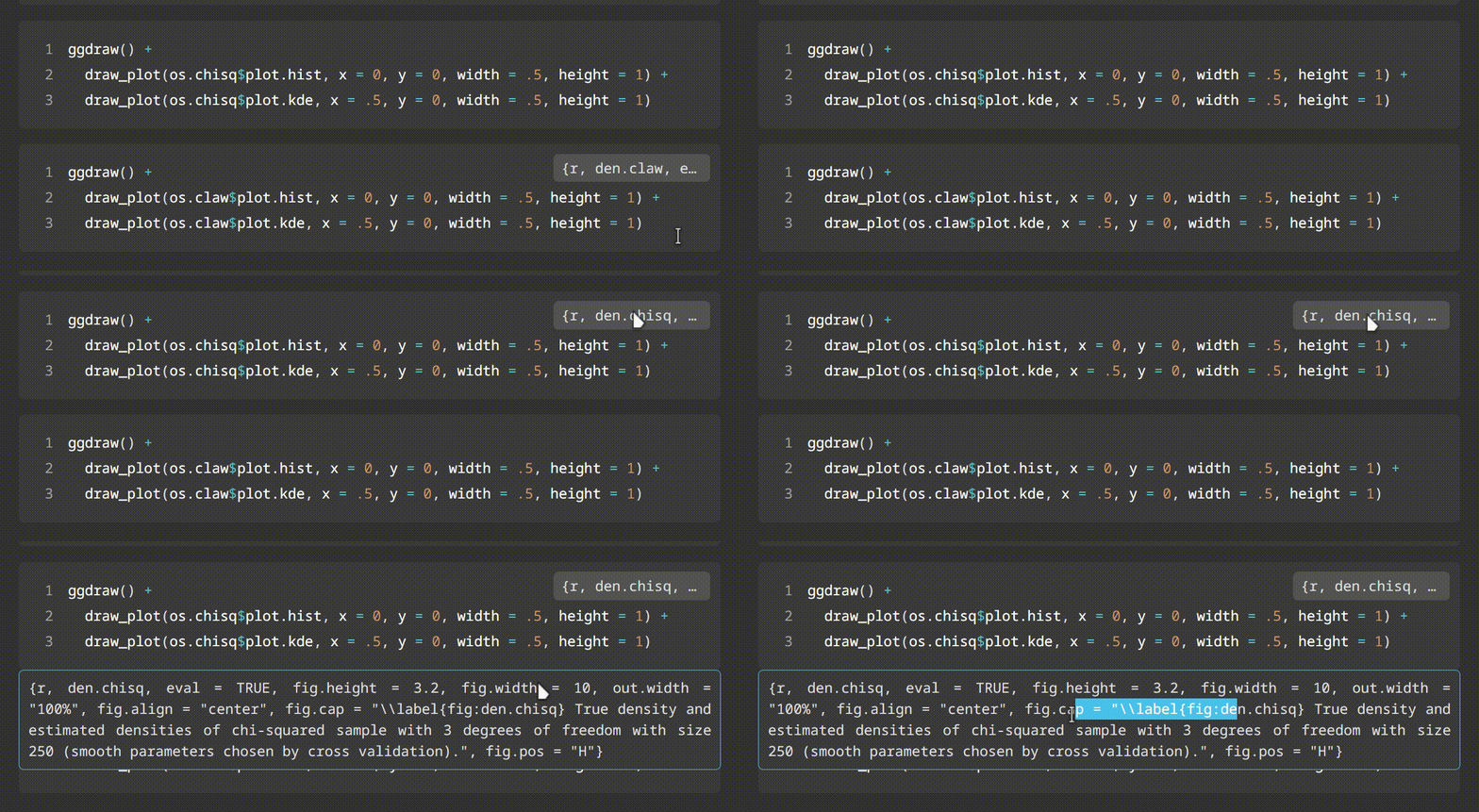
}可以实现如下效果
在Rstudio 中打开
复杂点的需要追踪一下编译过程,想直接在
Your\Path\To\RStudio\bin\rstudio.exe "${currentPath}"VLOOK
功能很强大的主题包。
简介
Gitee:VLOOK: VLOOK™ 是针对